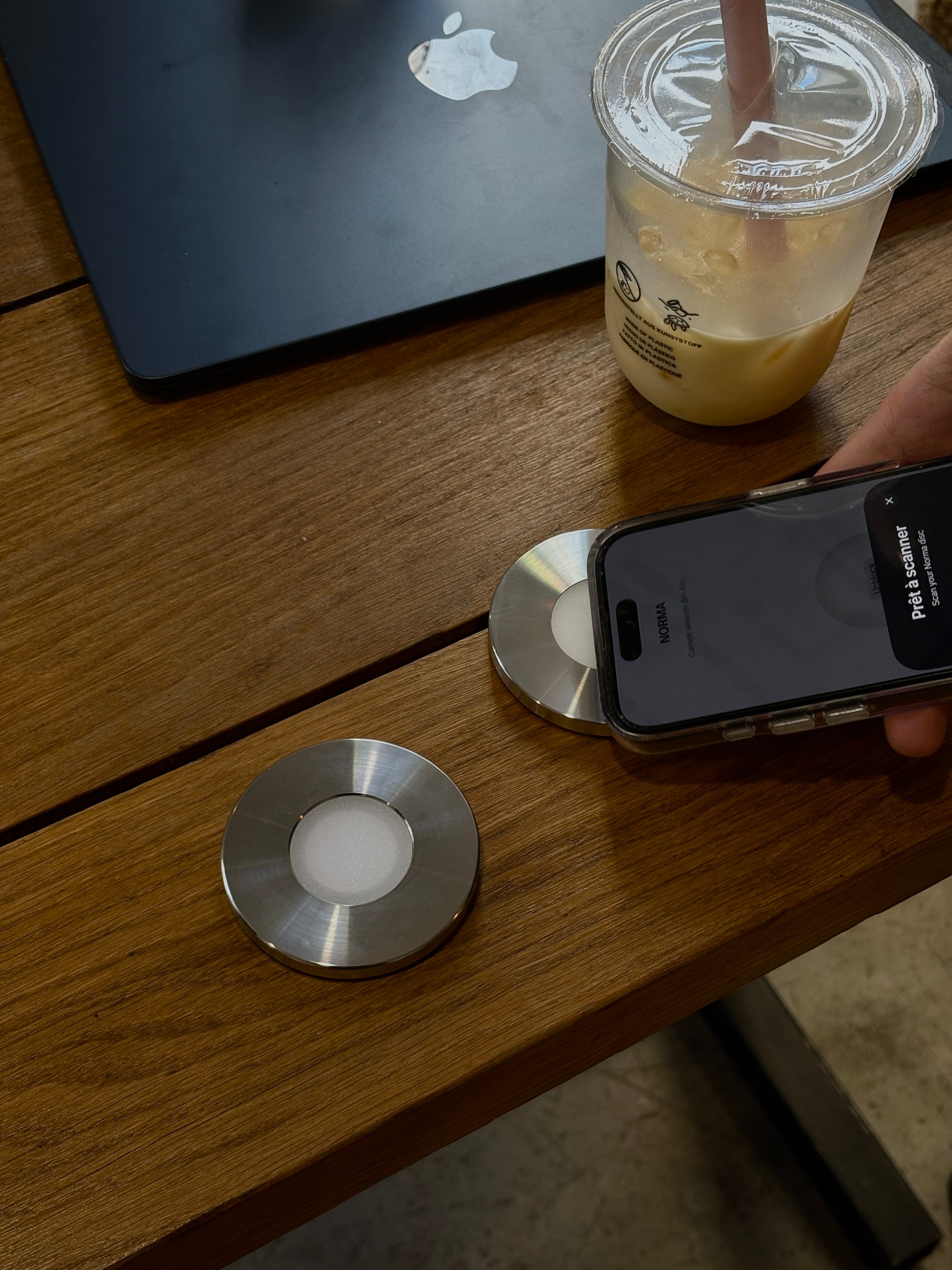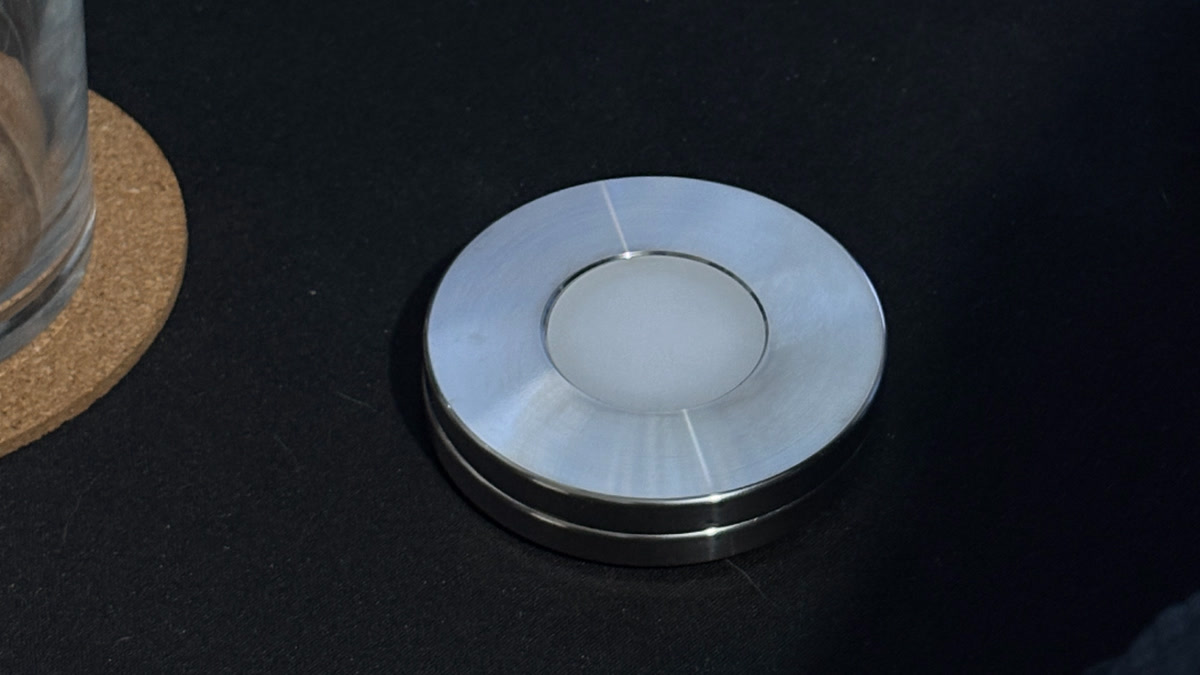
Norma is a stainless-steel disc that blocks the apps you choose the moment you scan it with your iPhone. No timers to argue with, no settings to disable. You decide once, scan to switch the block on, and scan again to lift it.
It's the simplest answer to a stubborn problem: the apps built to hold your attention live on the same phone you use to resist them. Norma moves the off switch off the screen and onto an object you can hold, set down, or leave in another room.
The two parts: a disc and an app
Norma is two things working together.
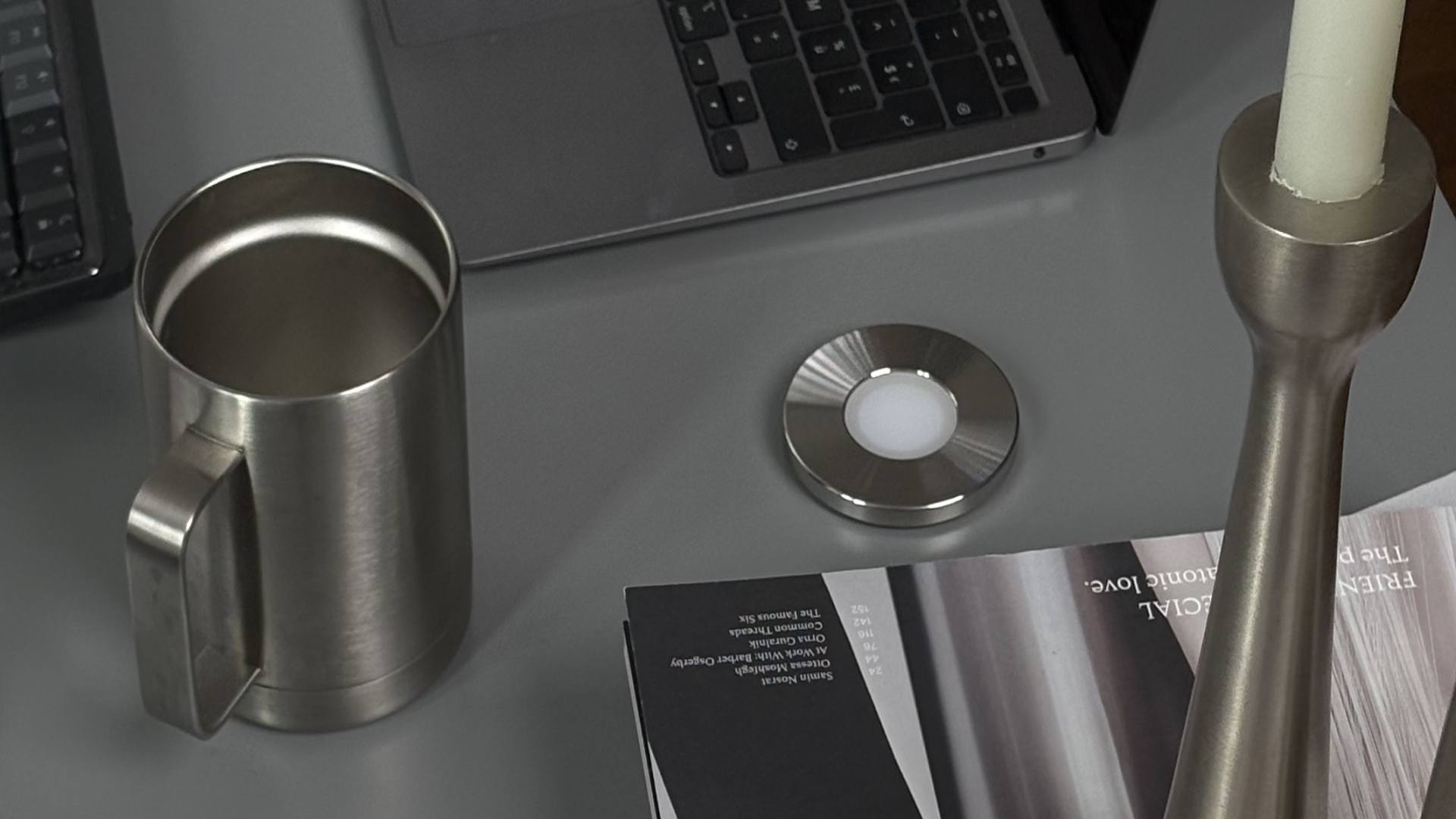
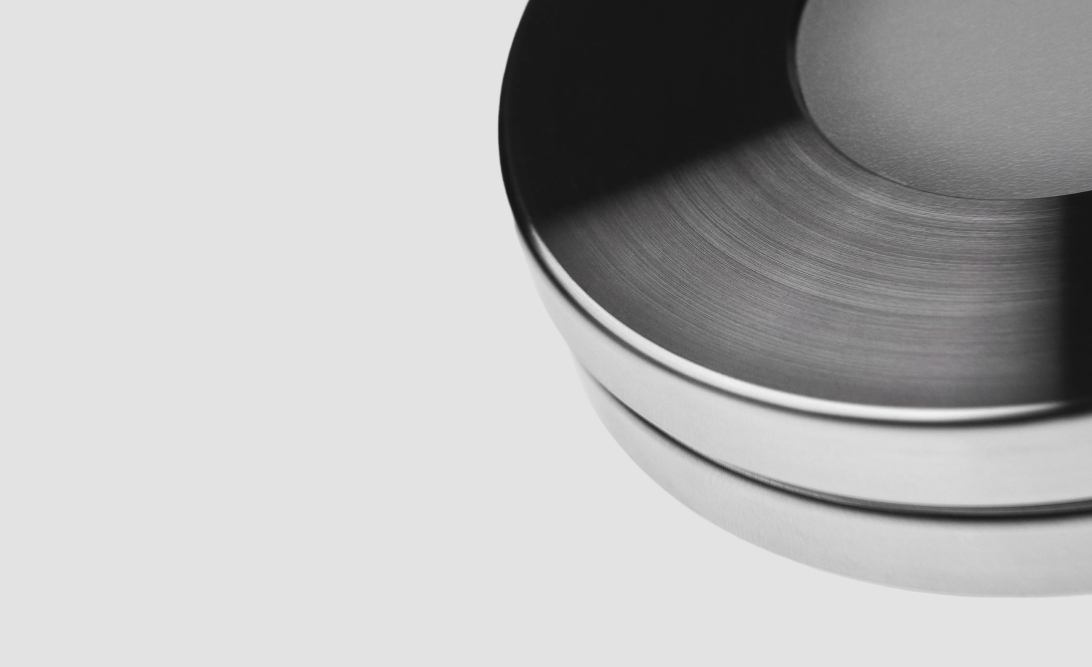
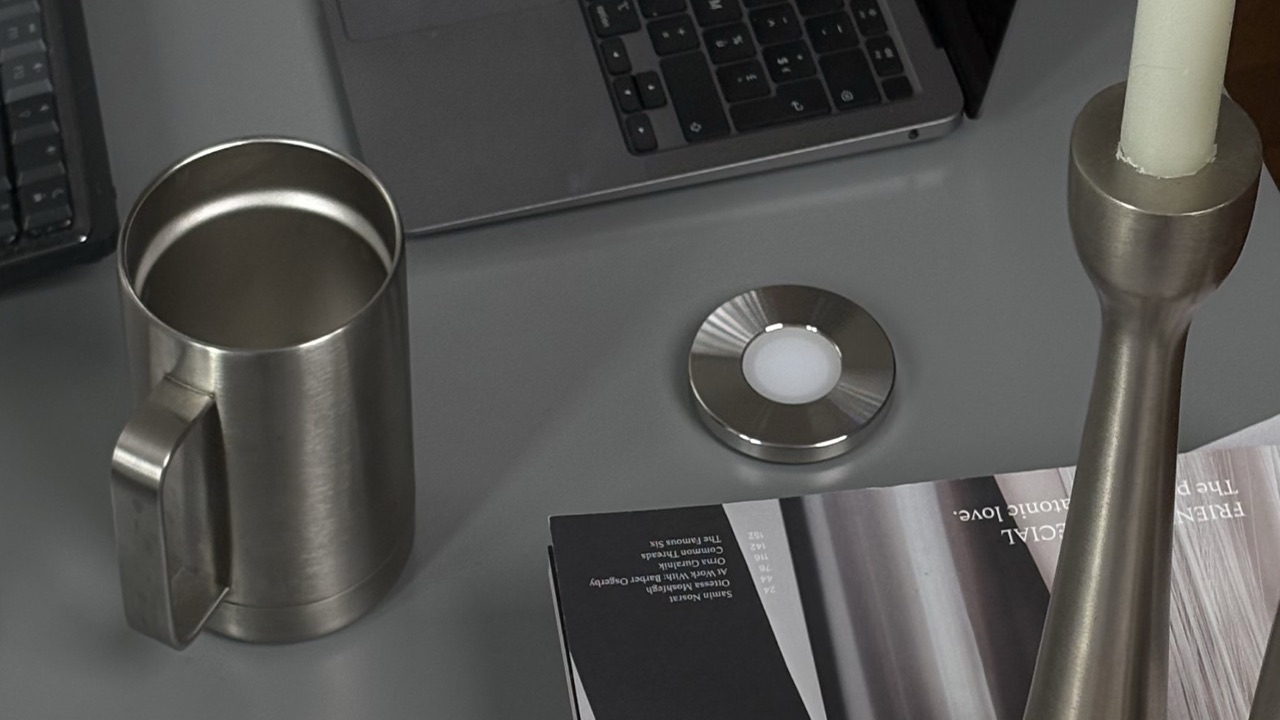
The disc is a 70 mm stainless-steel object that sits on your desk or nightstand. Inside it is a passive NFC tag: the same technology behind tap-to-pay. No battery, no screen, nothing to charge. It just waits.
The app is where you choose what to block: specific apps, whole categories, or distracting websites on your Mac. You set it up once.
How it works
- Choose once. In the app, pick the apps and sites that cost you the most.
- Scan to block. Hold the top of your iPhone to the disc. In under a second, your chosen apps disappear.
- Scan to unblock. When you genuinely need them back, scan again. That's the only way to lift the block.
Because the block only changes with a real, physical scan, there's nothing to talk yourself out of in a weak moment. No passcode on the same phone, no "end session early" button.
Why a physical object
This is the part that makes Norma work where willpower and app-blockers don't. Behavioral scientists call a decision you lock in while calm a commitment device, and its strength depends entirely on how hard it is to reverse once you're tempted.
A software limit lives two taps away, on the very phone you're trying to escape. A disc lives across the room. Leave it in the kitchen and the block simply holds, because the only way to undo it is to get up and go get it. The friction is the feature.
Key takeaways
- A stainless-steel disc that blocks your chosen apps when you scan it with your iPhone.
- Passive NFC inside: no battery, no charging, nothing to maintain.
- The off switch lives on the object, not the screen, so a weak moment can't reach it.
- Works on iPhone and Mac. One-time purchase, no subscription.
What it works on
Norma works on iPhone, and the same scan blocks distracting websites on your Mac, so your focus follows you across devices. It's a one-time purchase: no subscription, no account to juggle, nothing renewing in the background.
Who it's for
Anyone who has tried "just using it less" and lost. People who do focused work, parents who want their evenings back, students before exams, anyone tired of negotiating with themselves at 11pm. If the only thing between you and the feed is another tap, Norma is the wall.
The short version
Norma is the off switch for your most distracting apps, made physical. You scan a steel disc to block, scan again to unblock, and in between the apps are simply gone. That's it, and that's the whole point.
Questions, answered.
- What is Norma?
- A stainless-steel disc that blocks the apps you choose the moment you scan it with your iPhone. You set it up once, scan to switch the block on, and scan again to lift it.
- Is Norma an app or a device?
- Both, working together: a passive-NFC steel disc plus an app where you choose what to block. The disc is the physical off switch; the app holds your settings.
- How does Norma work?
- Choose your apps once in the app, hold your iPhone to the disc to block them, and scan again to unblock. The block only changes with a real, physical scan — there’s no timer or ‘end early’ button.
- Does Norma need a subscription?
- No. Norma is a one-time purchase — no subscription, no account renewing in the background. It works on iPhone, and the same scan blocks distracting sites on your Mac.
- Does Norma need a battery or charging?
- No. The disc holds a passive NFC tag — the same technology as tap-to-pay — so there’s no battery, no screen, and nothing to charge.
- What can Norma block?
- Specific apps, whole categories, and distracting websites on your Mac. You decide once, and the block holds until you scan the disc again.
Quiet your phone for good.
One scan blocks the apps you choose, until you scan again.
Sources